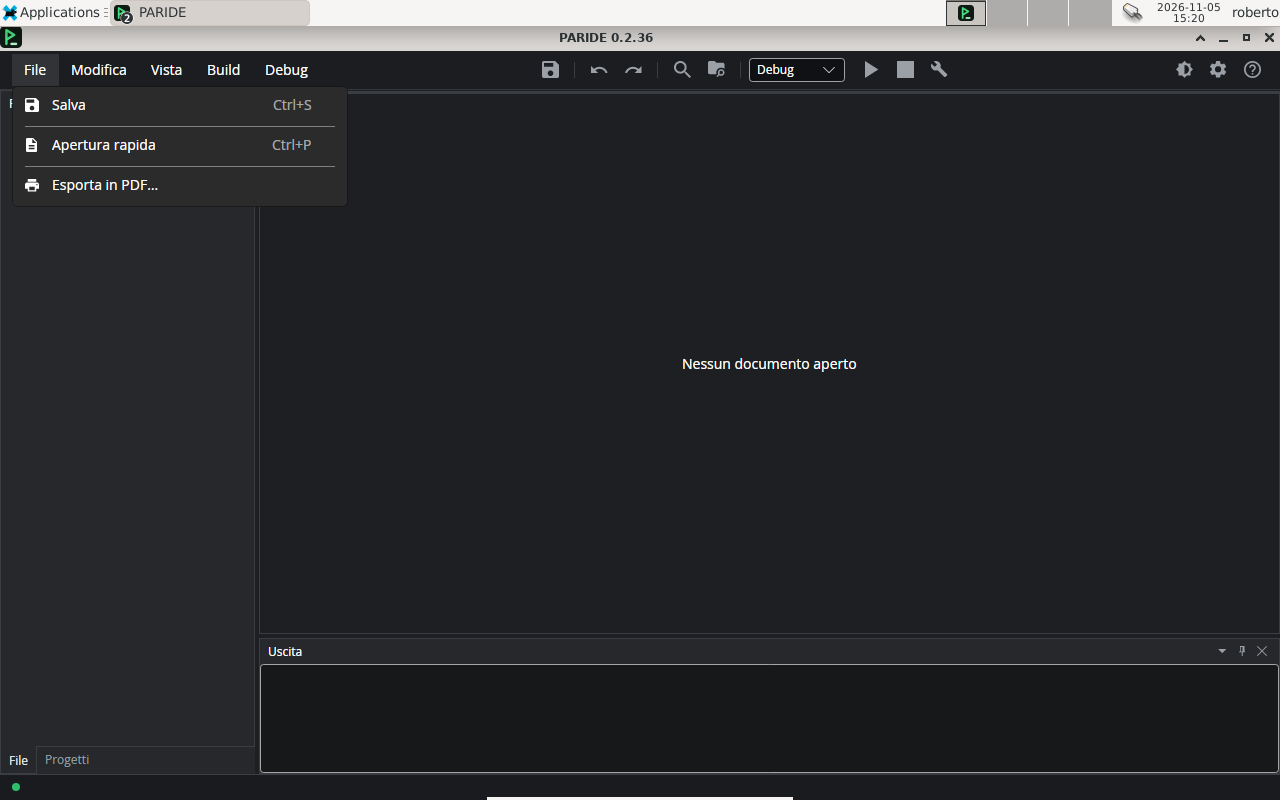
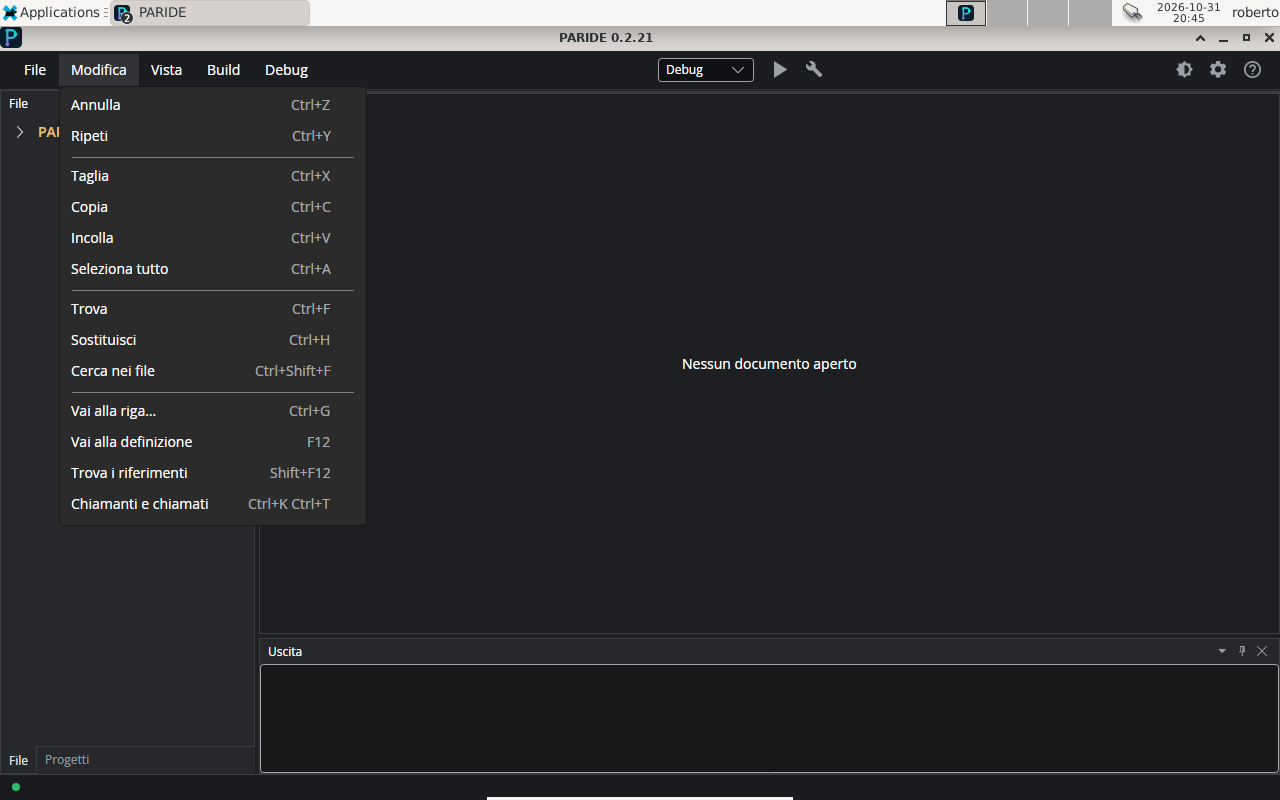
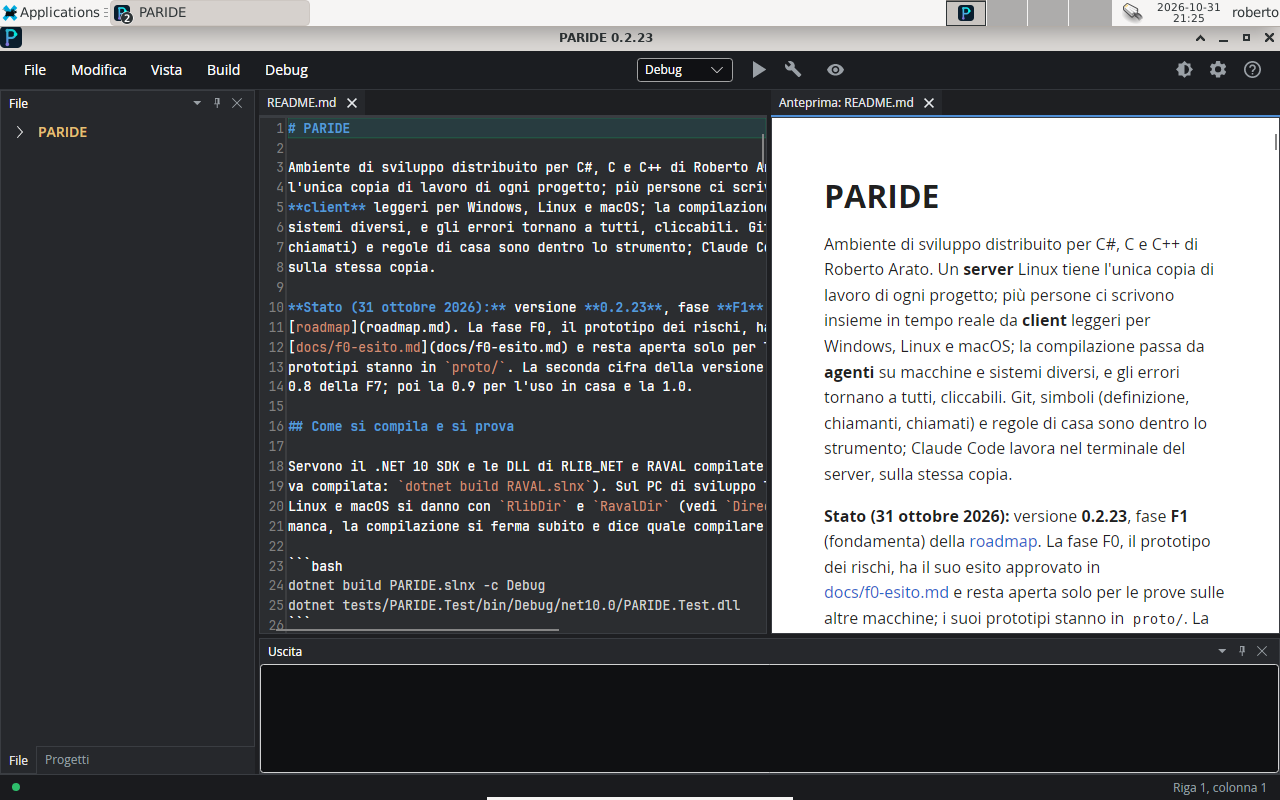
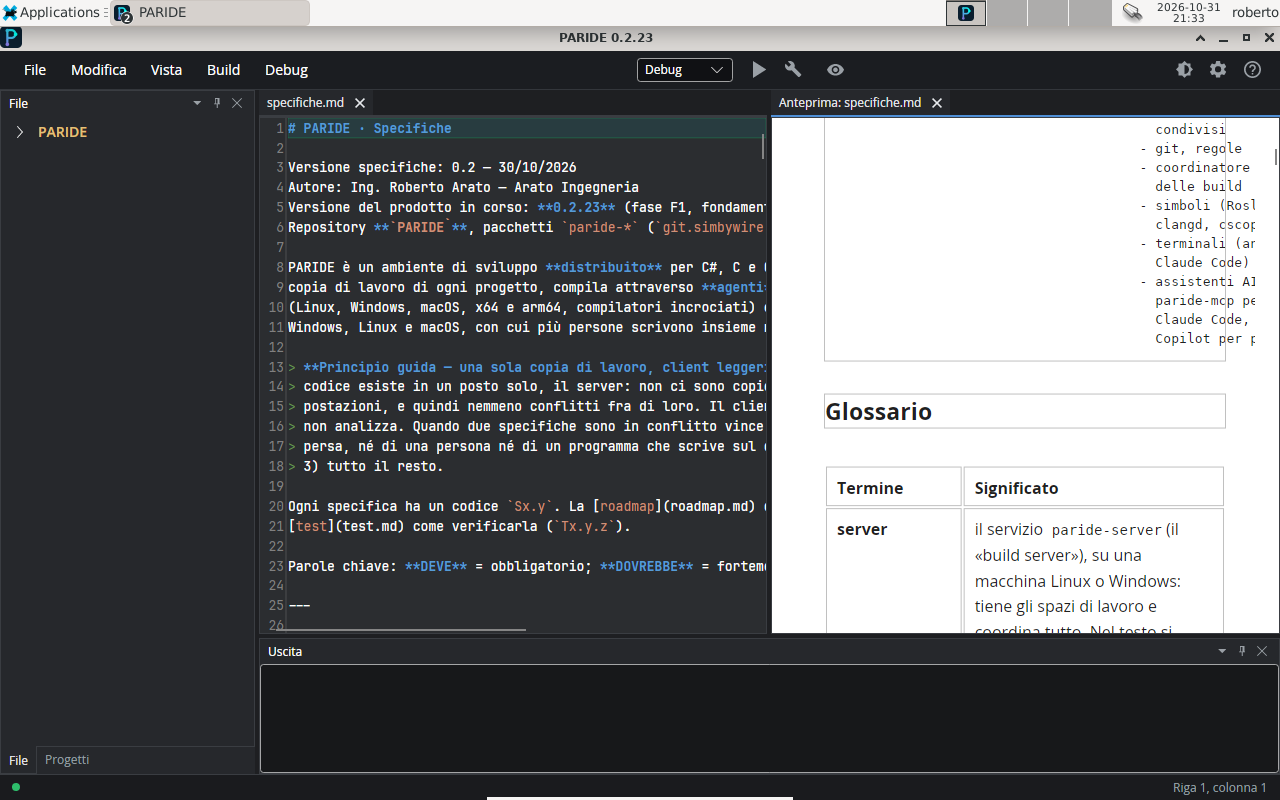
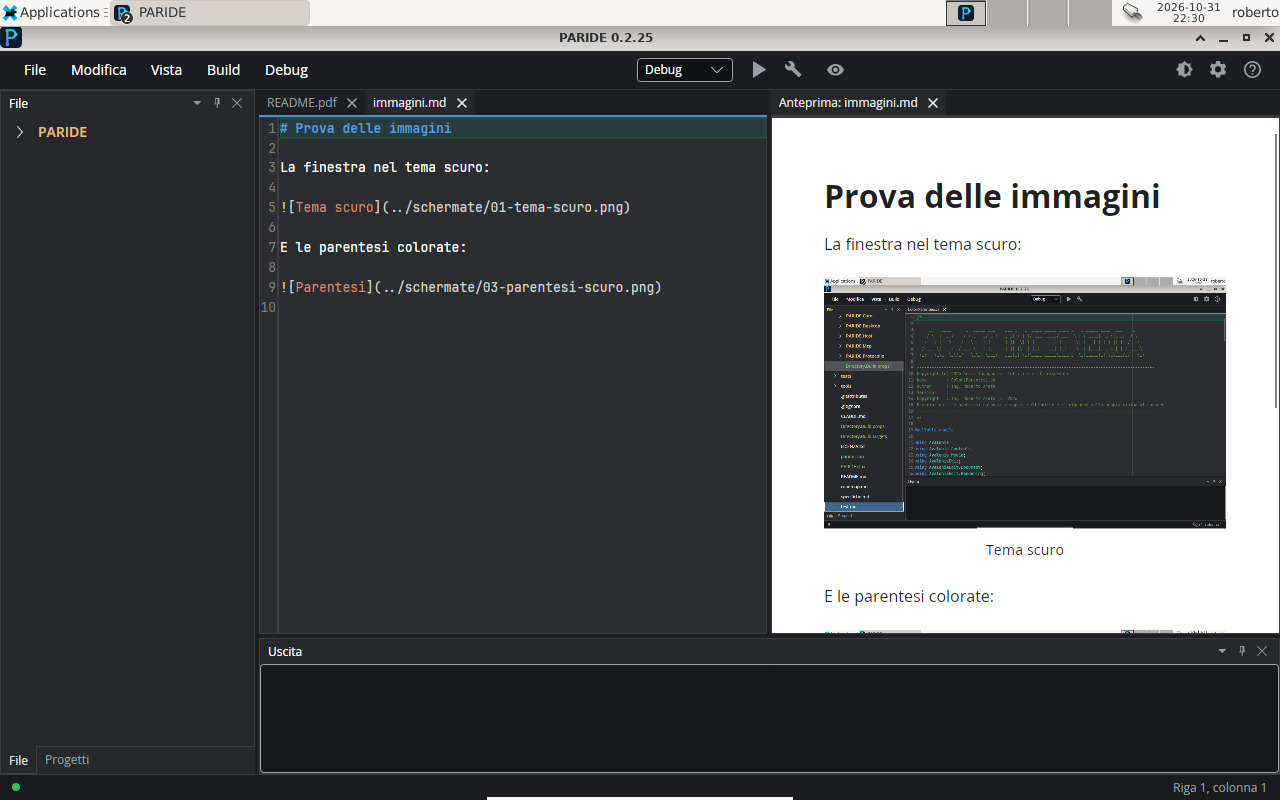
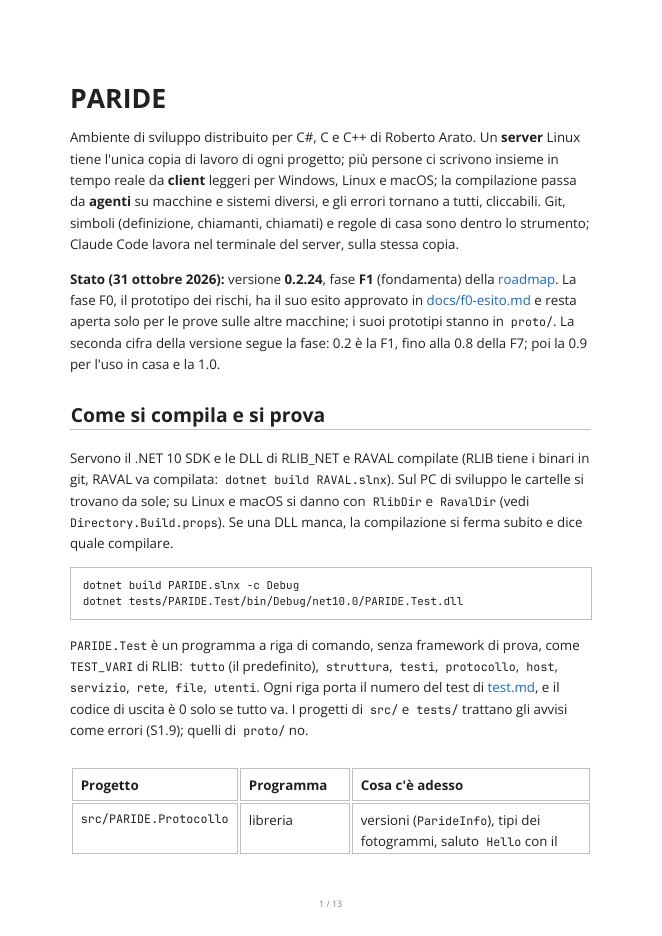
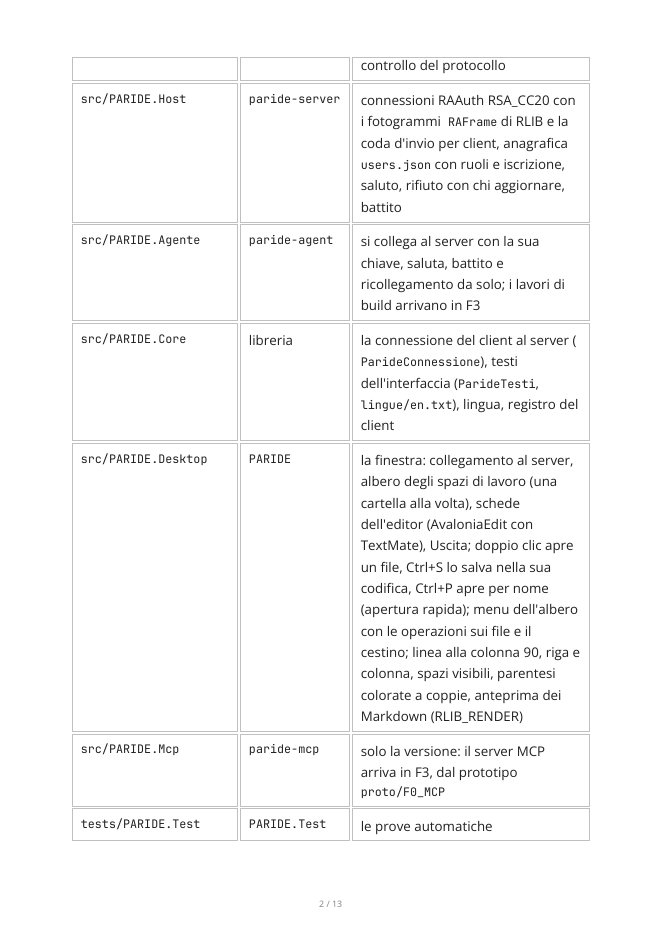
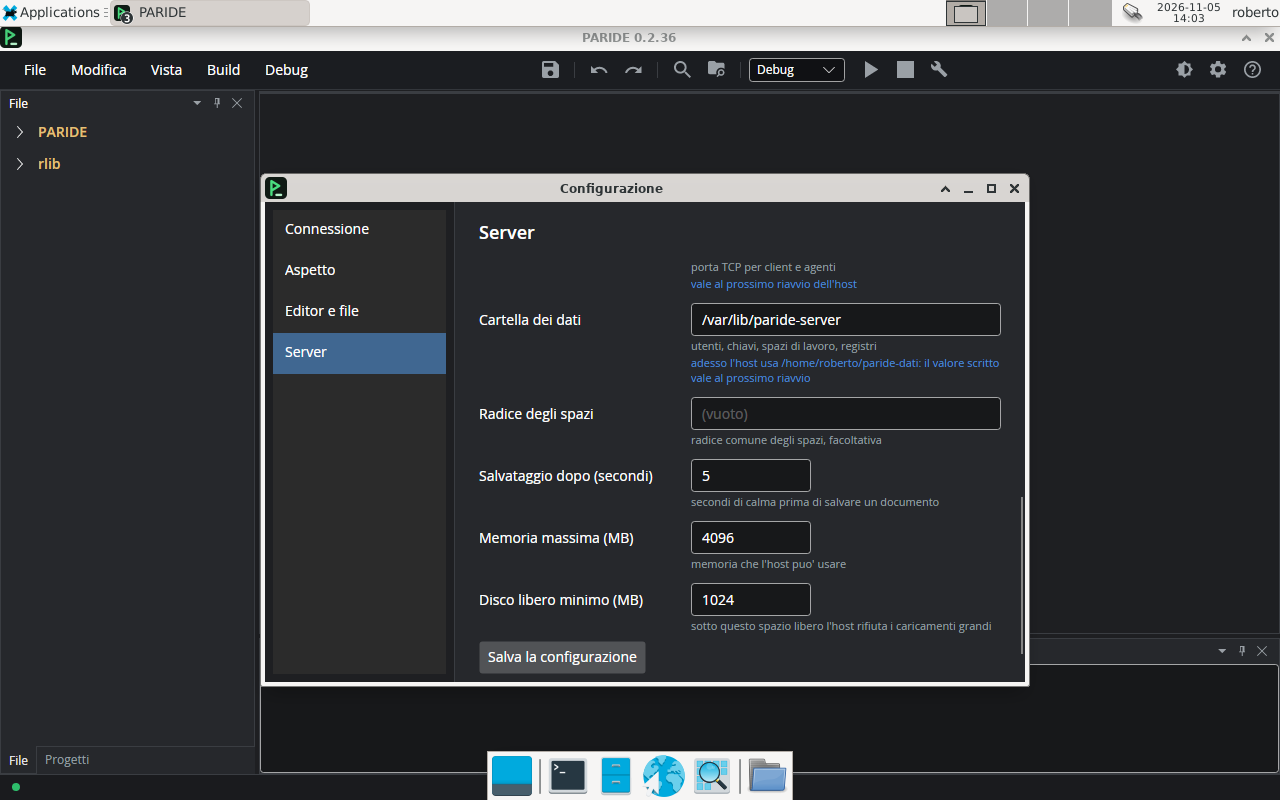
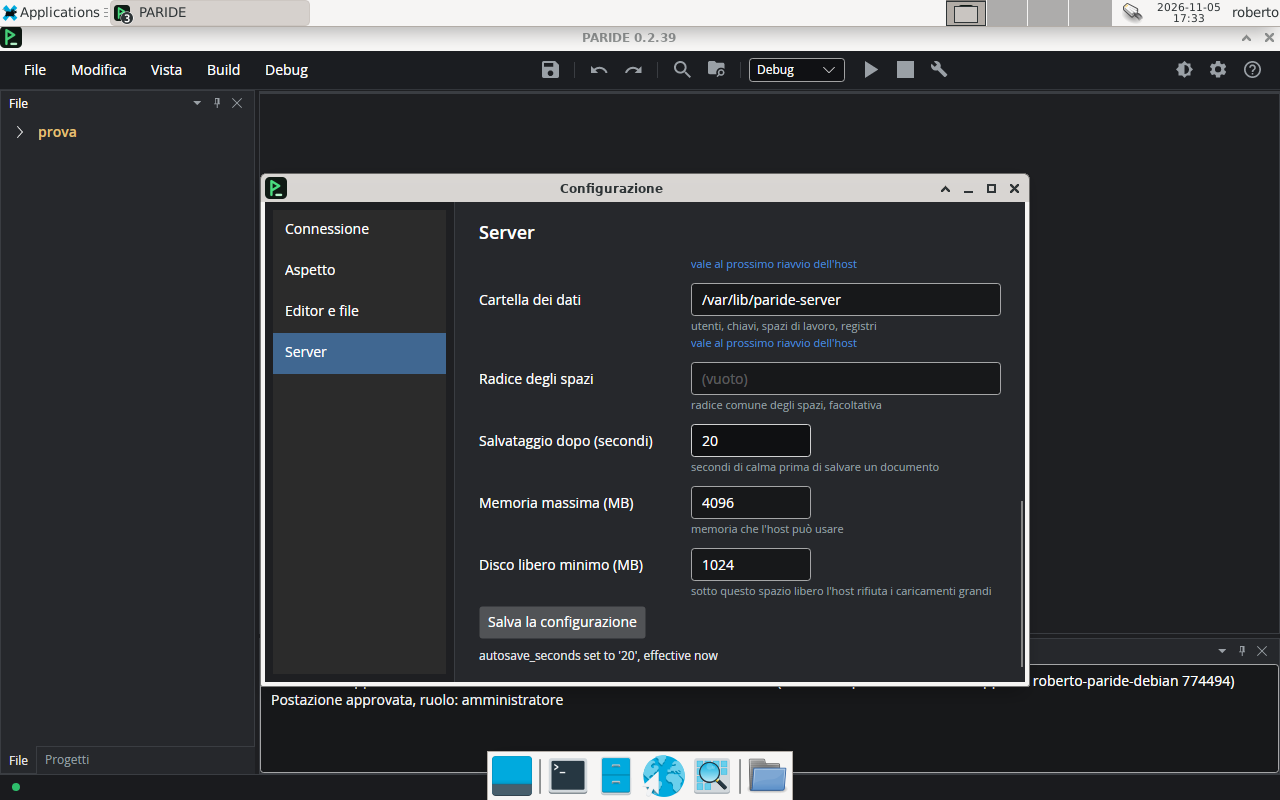
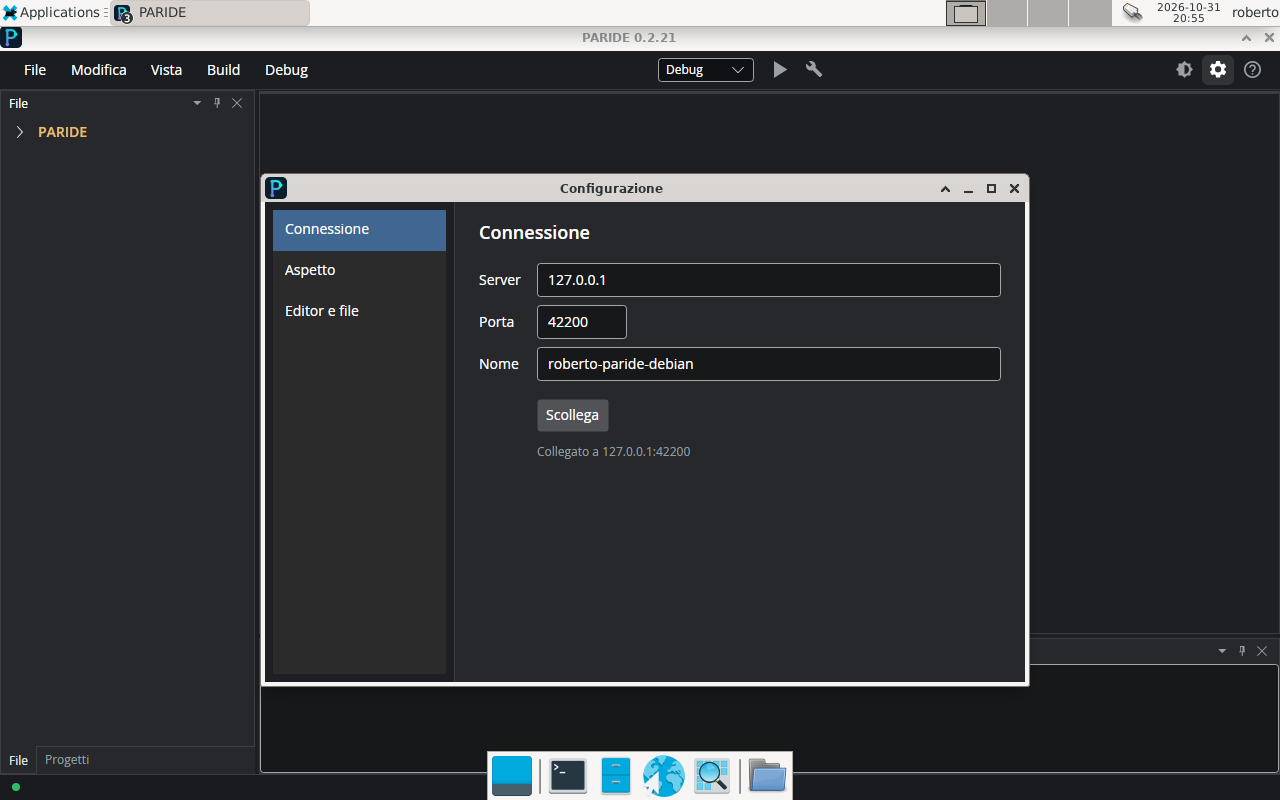
What PARIDE looks like in everyday use. The images come from the laboratory, almost all from the Debian 13
virtual machine with XFCE where the real window is checked, and they were taken while the project grew:
the title bar shows the version of each one, and the first ones still have the old logo. Click an image
to open it at full size.
The editor
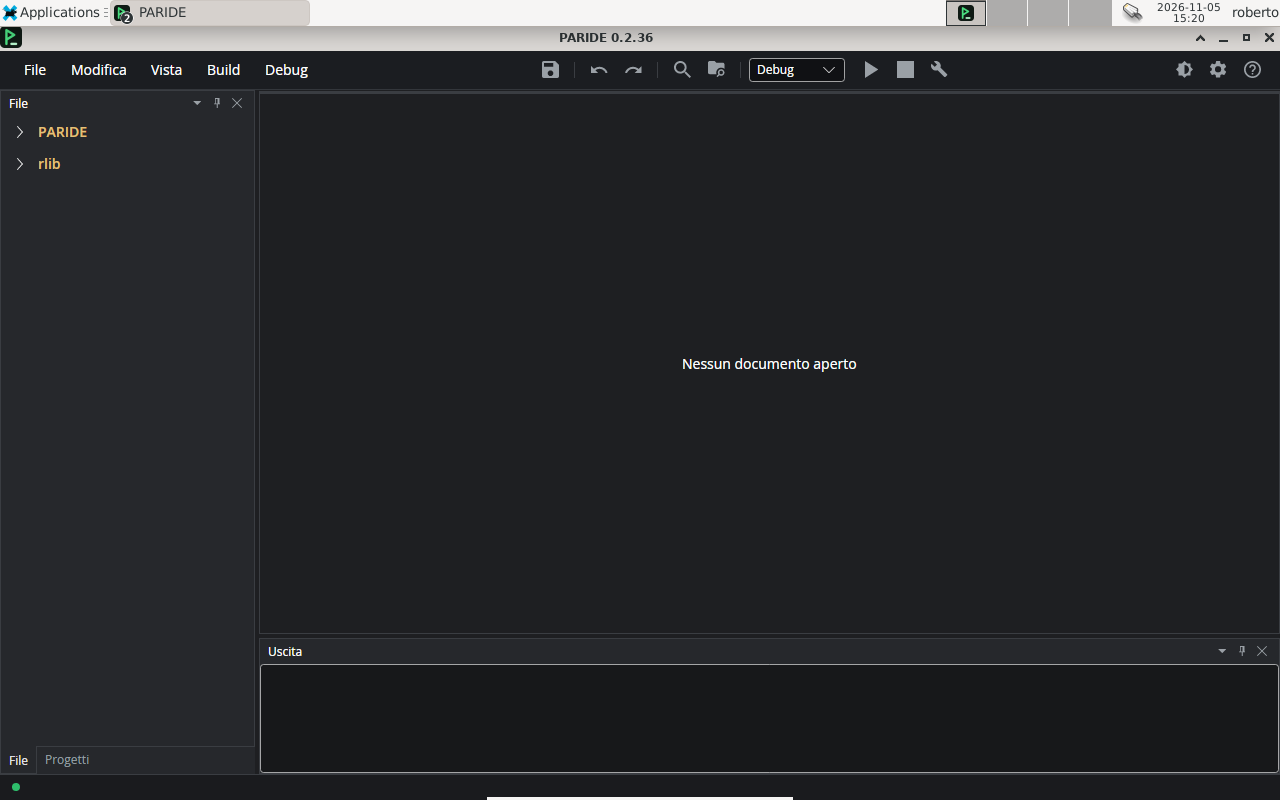
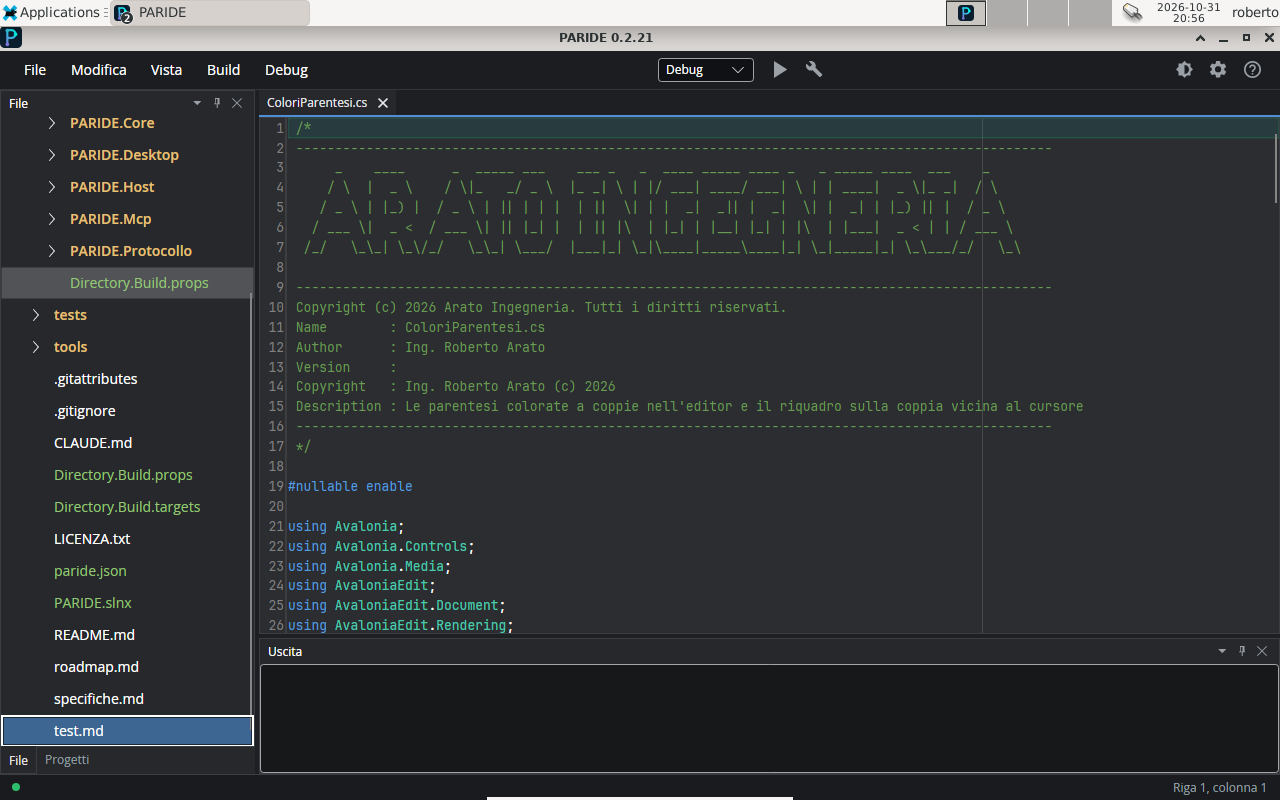
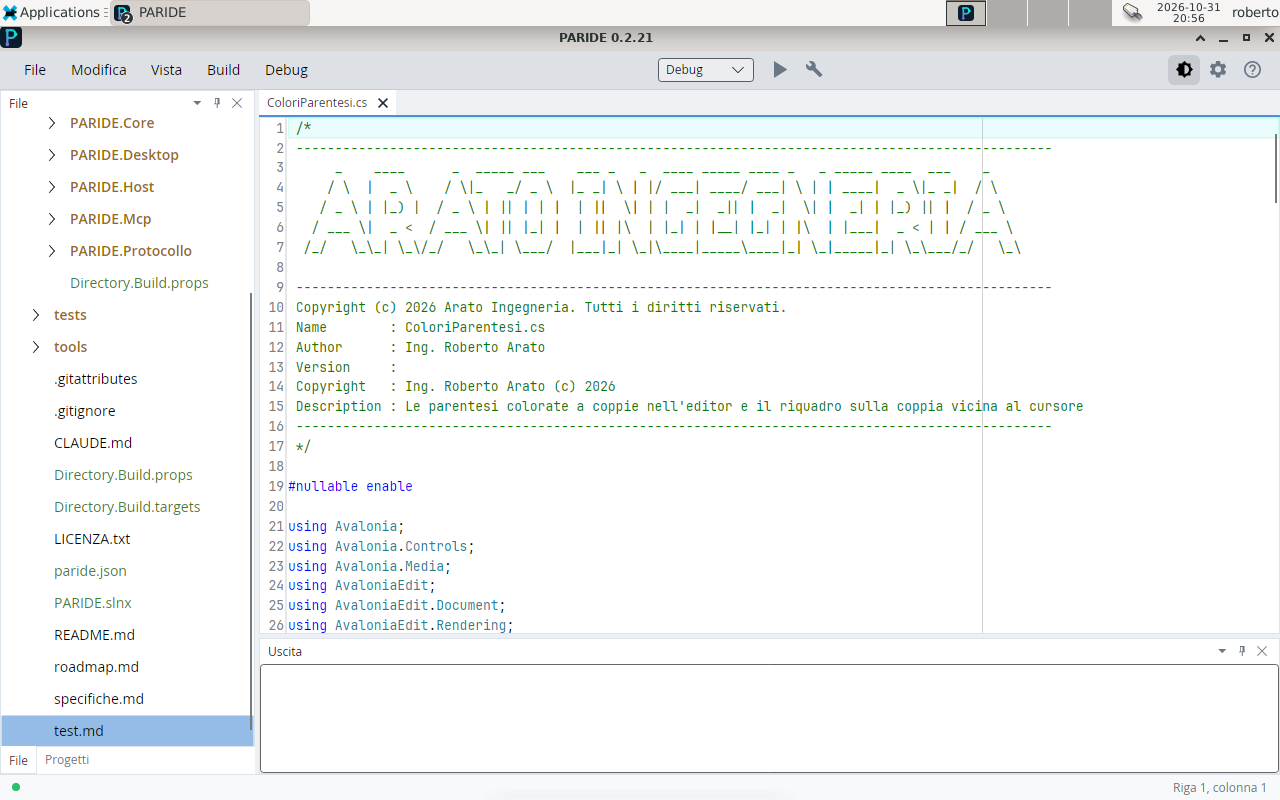
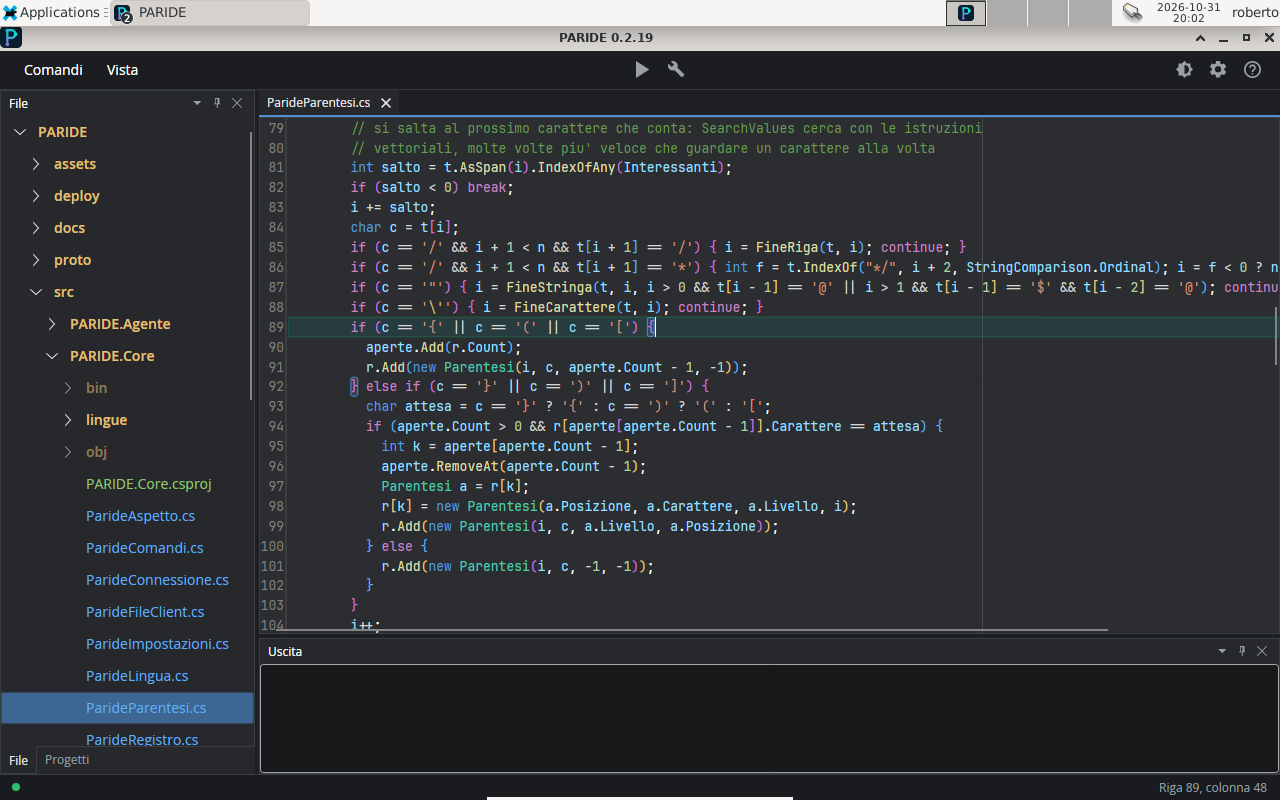
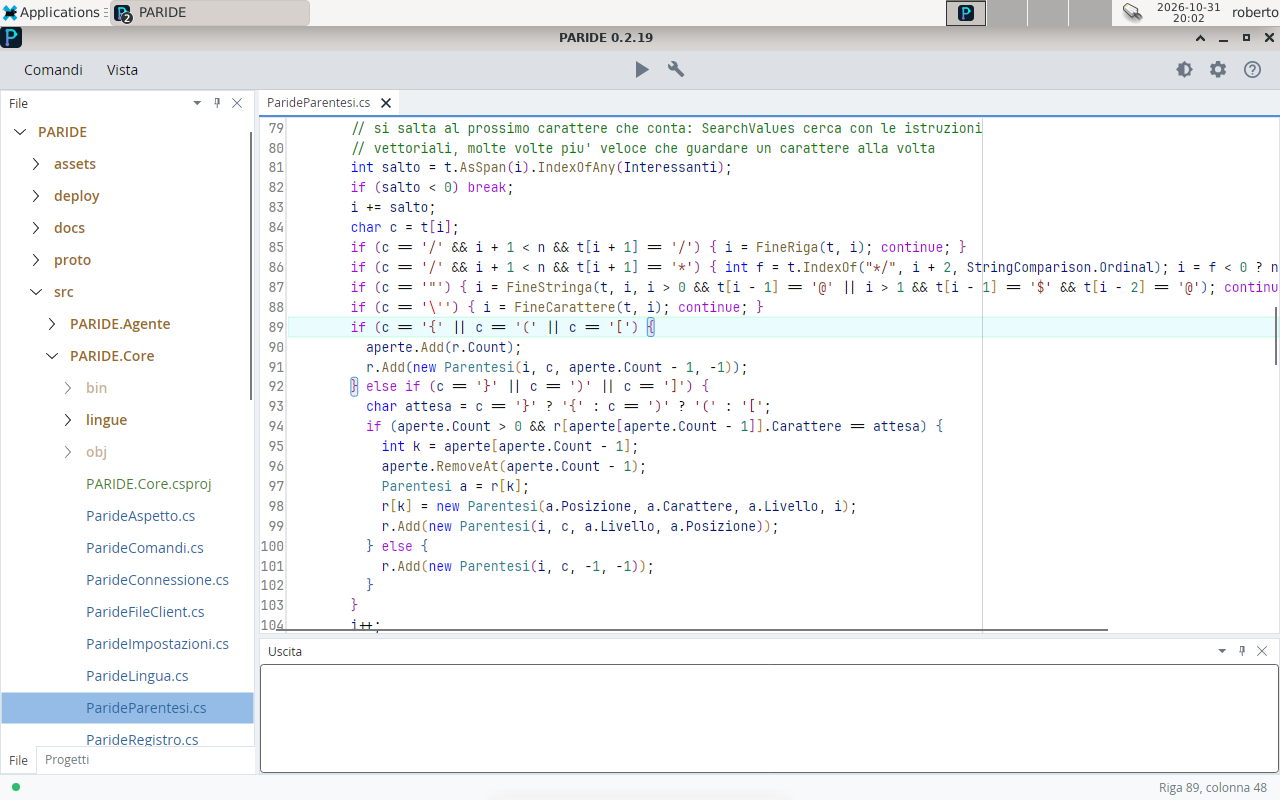
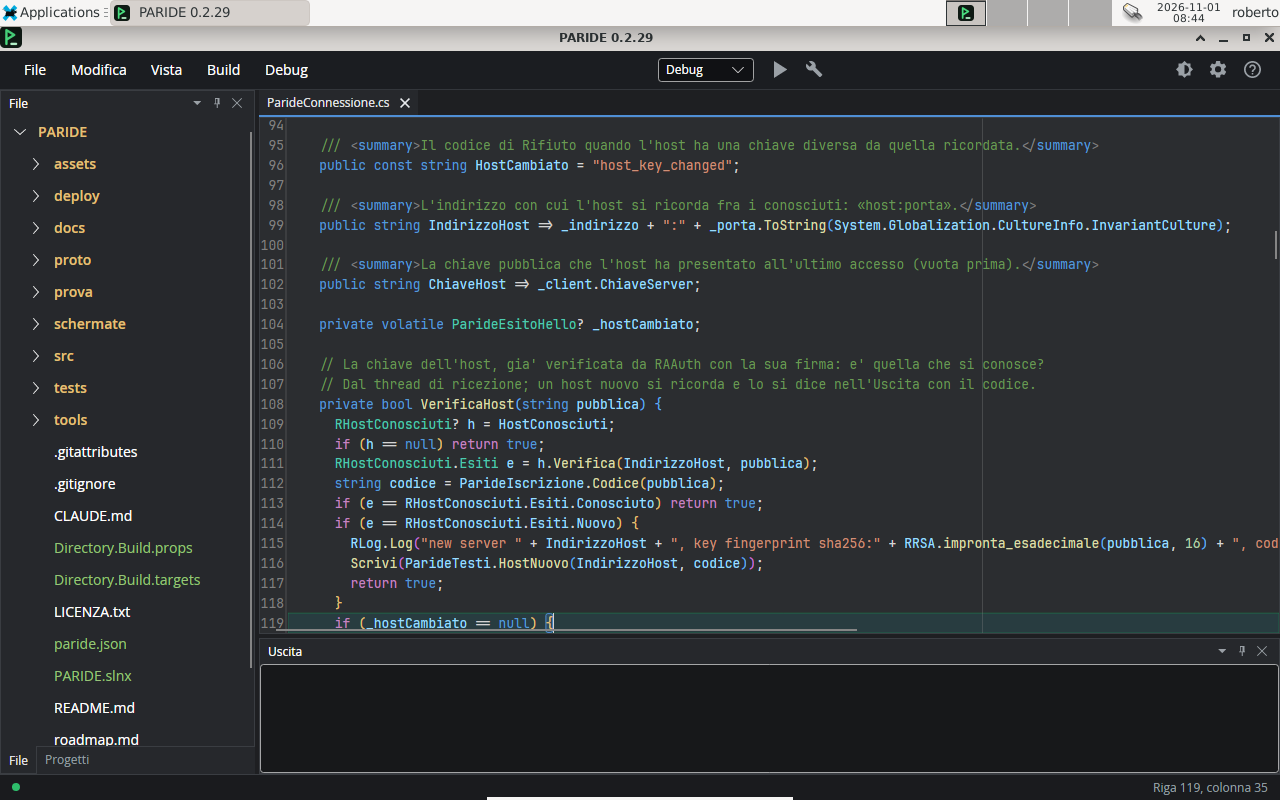
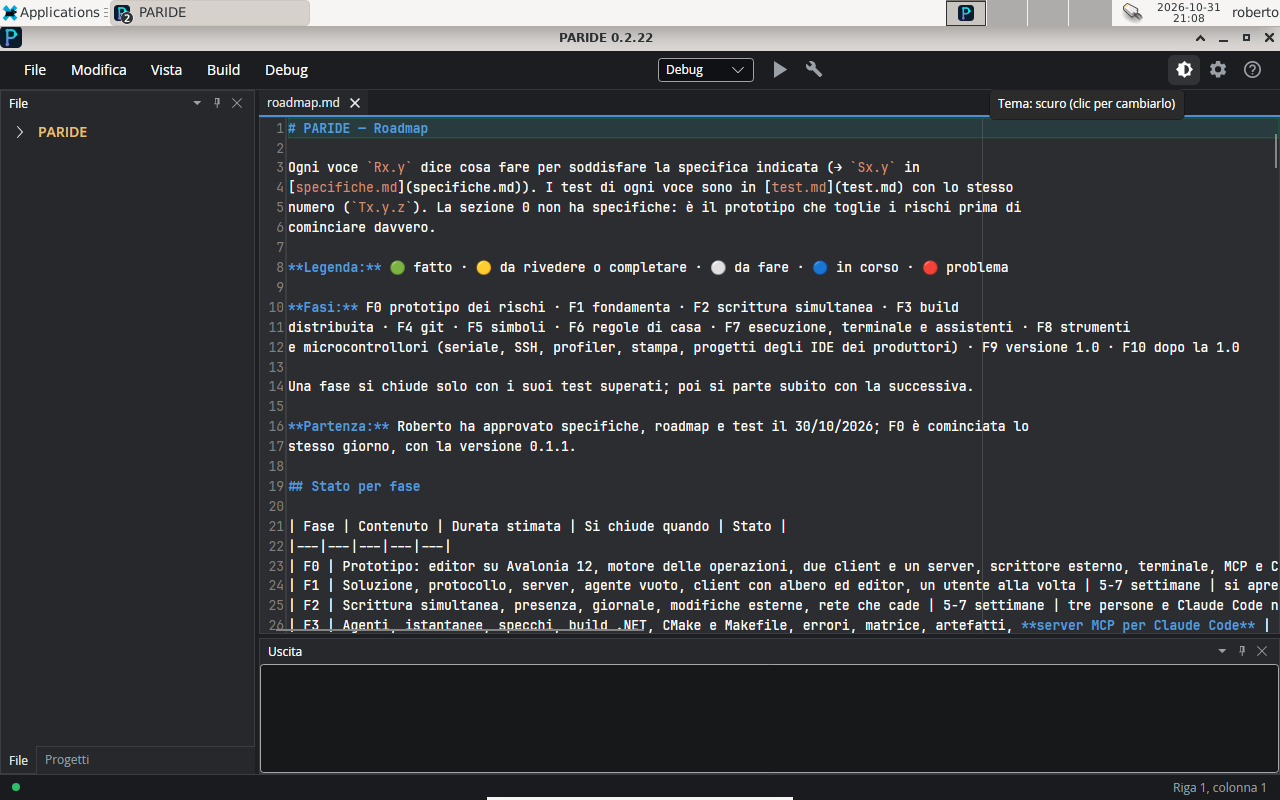
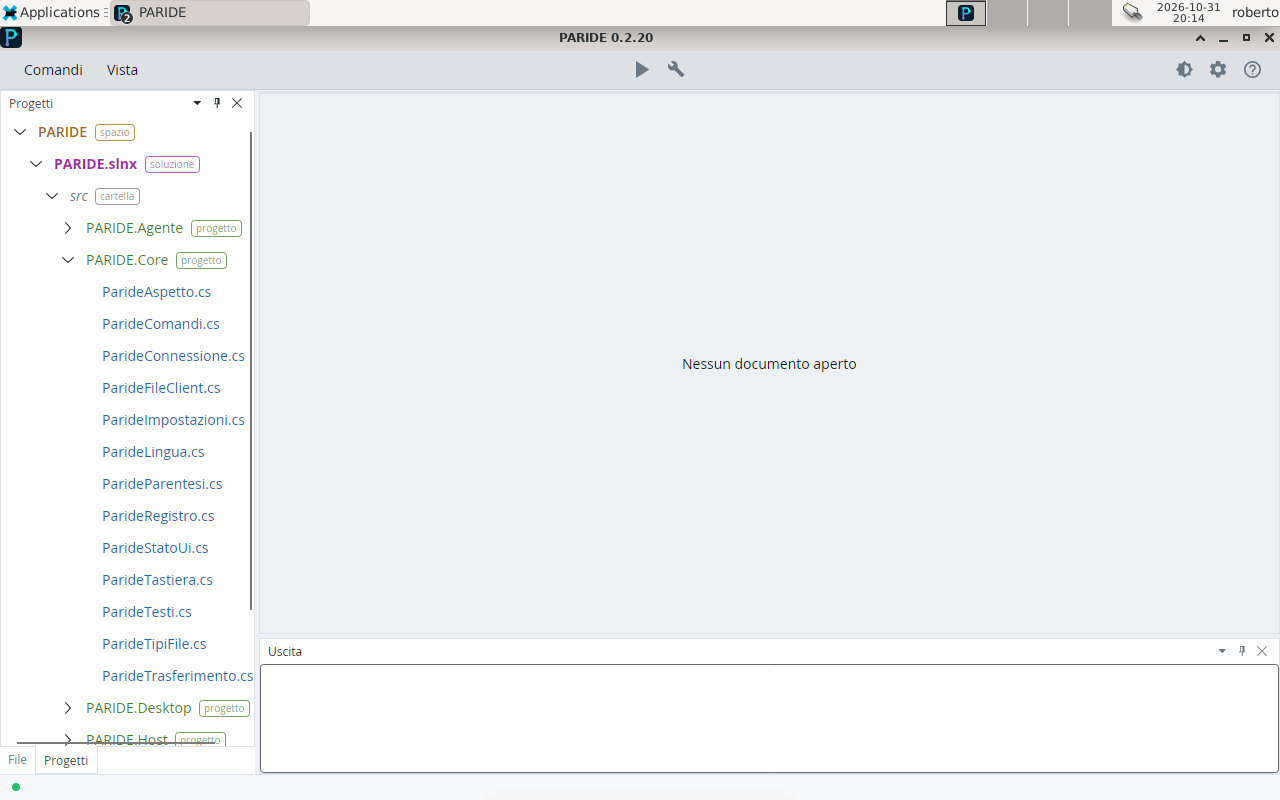
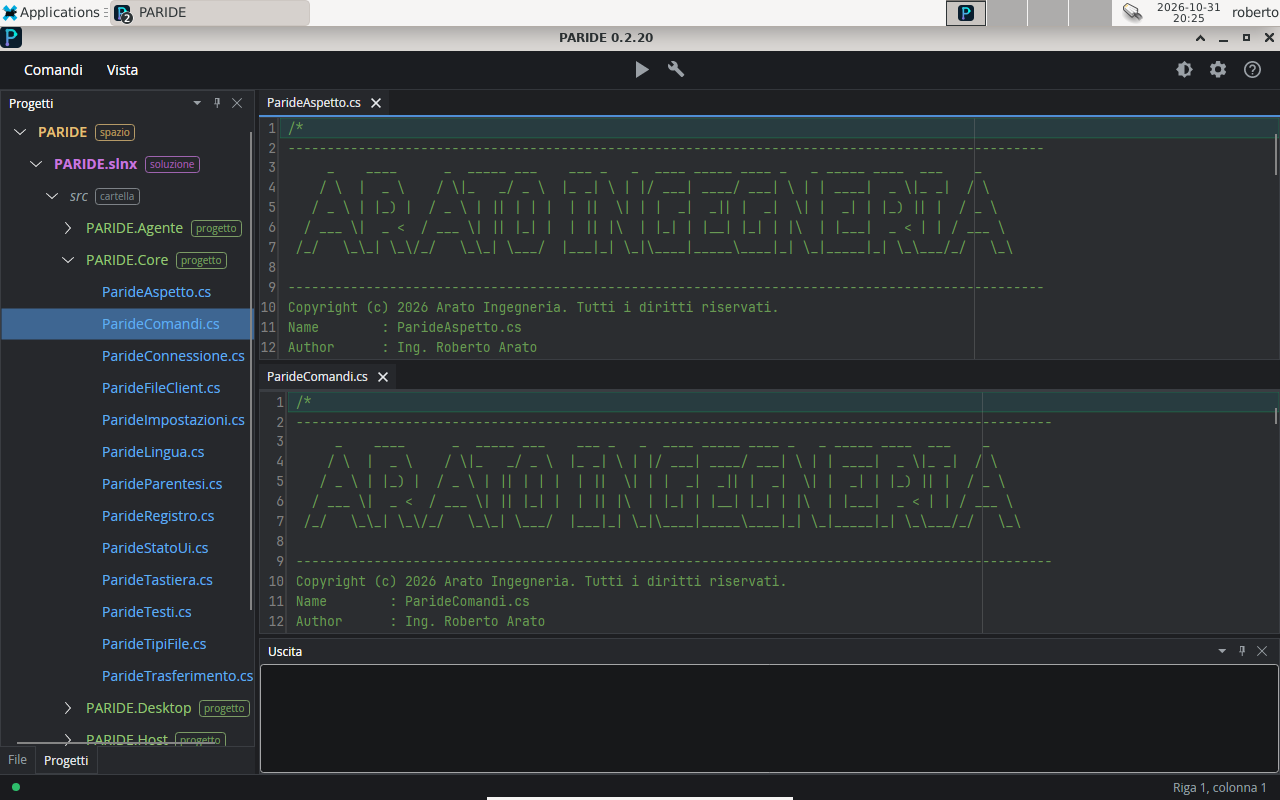
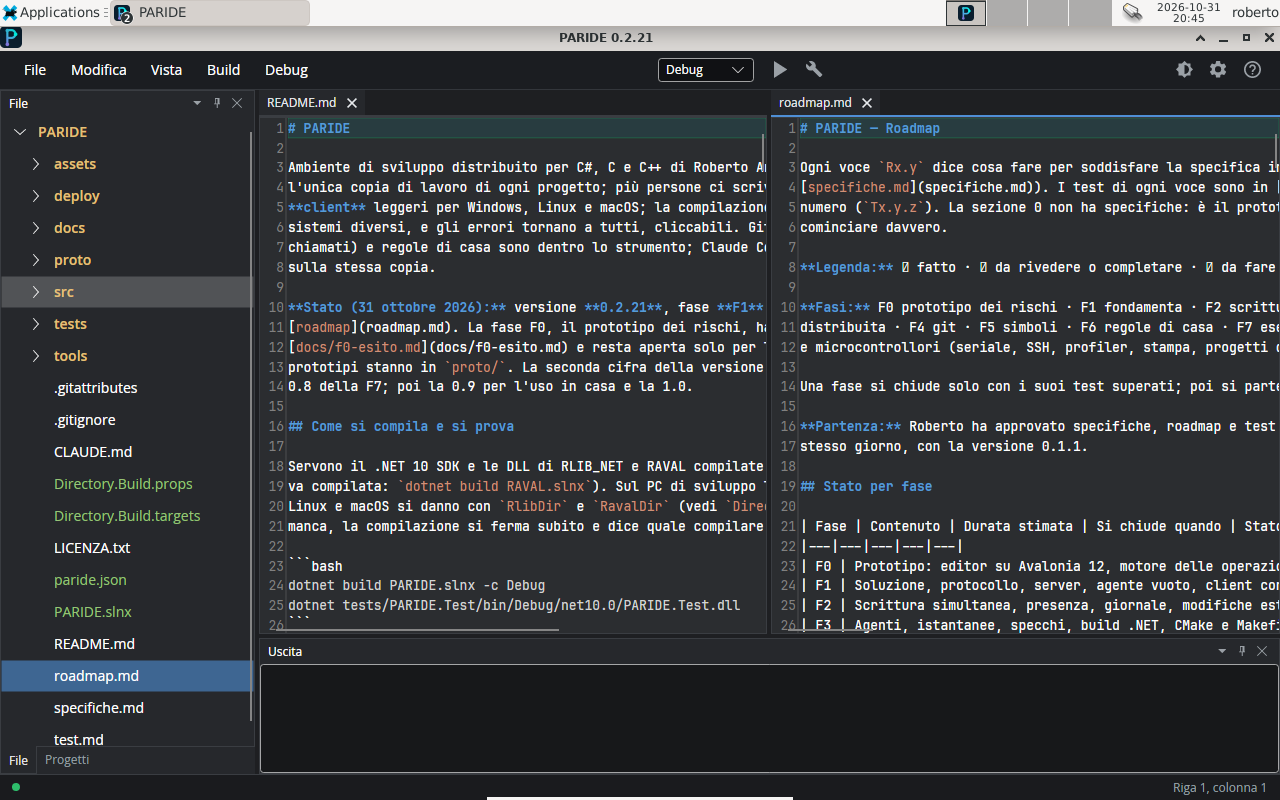
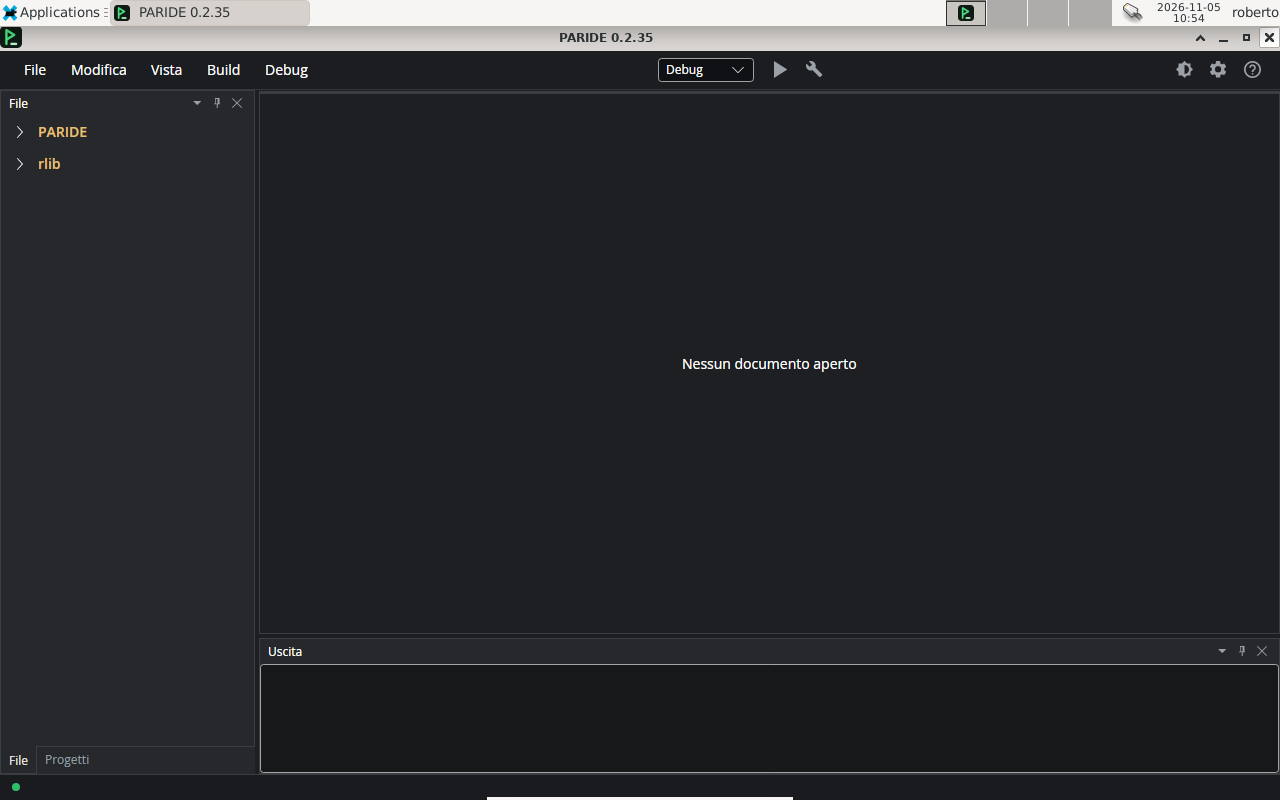
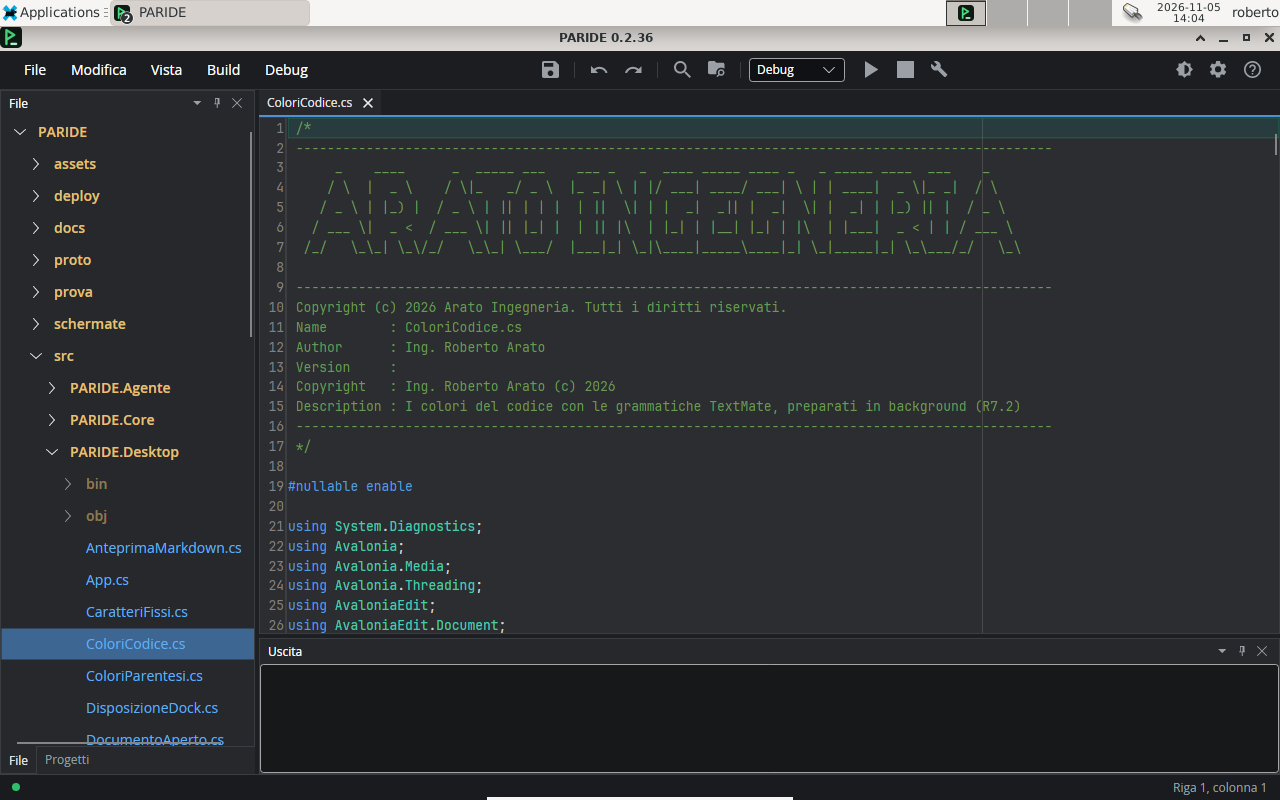
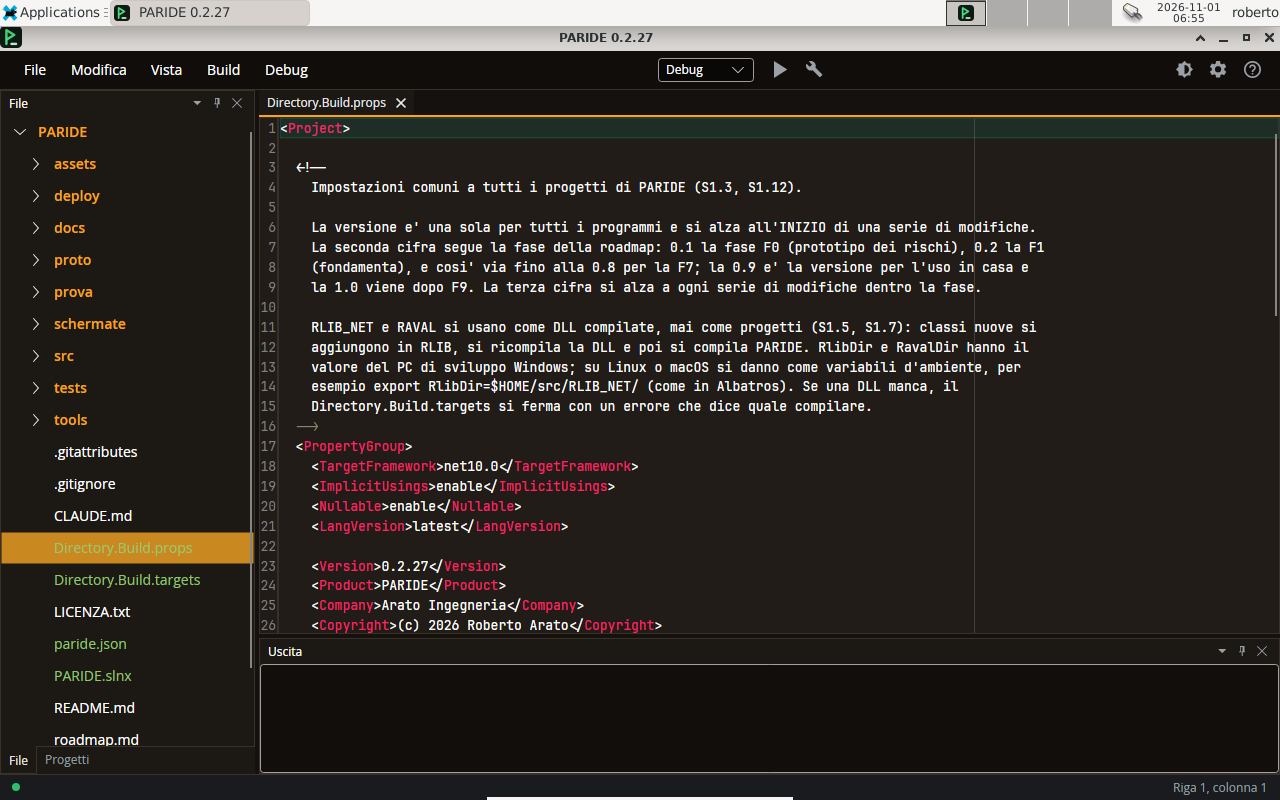
The window just opened: the menus at the top, the everyday command bar, the workspaces in the tree and the Output at the bottom.A C# source in the dark theme, with the guide line at column 90 and the file names coloured by type.The same in the light theme.Brackets coloured in pairs, with the partner of the one next to the cursor boxed.The brackets in the light theme.The code colours, which follow the chosen theme.A Markdown file with emoji (the dots of the roadmap legend): characters outside the basic plane are shown and written whole.
Panels, tabs and windows
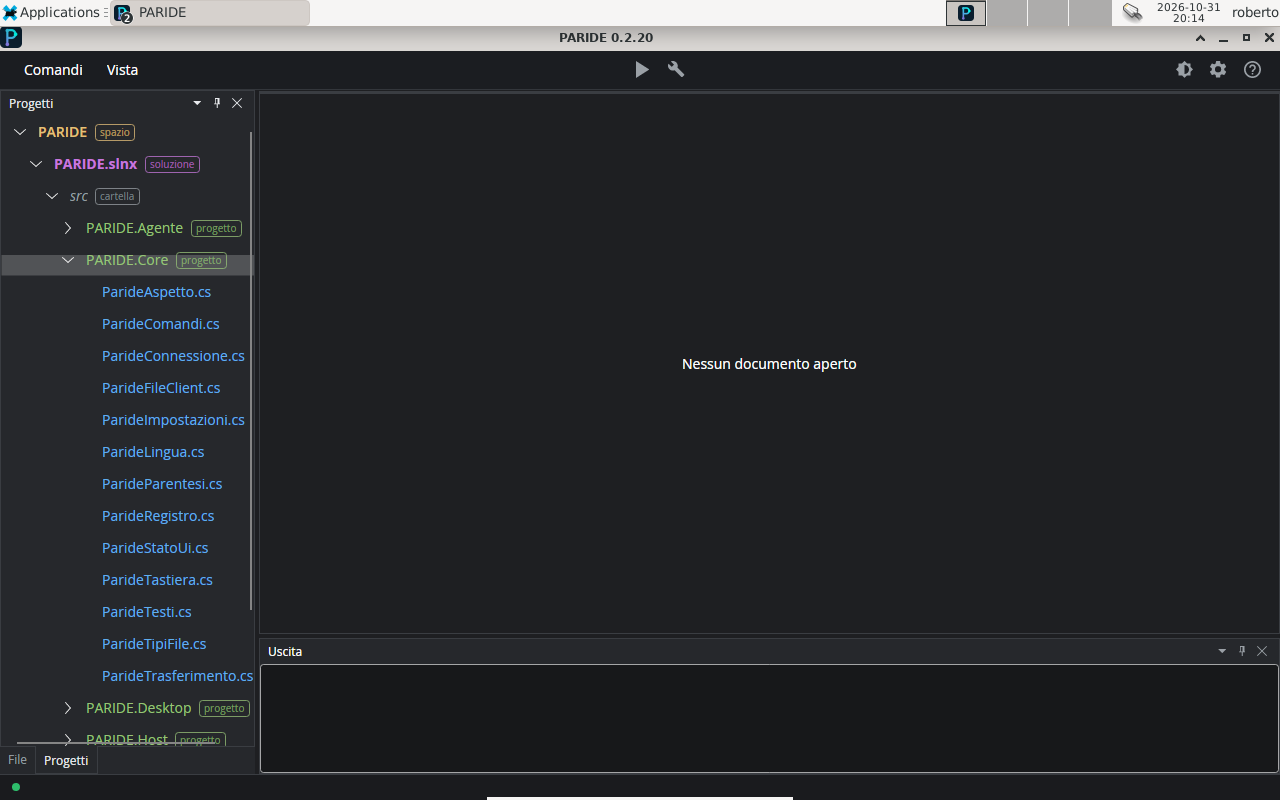
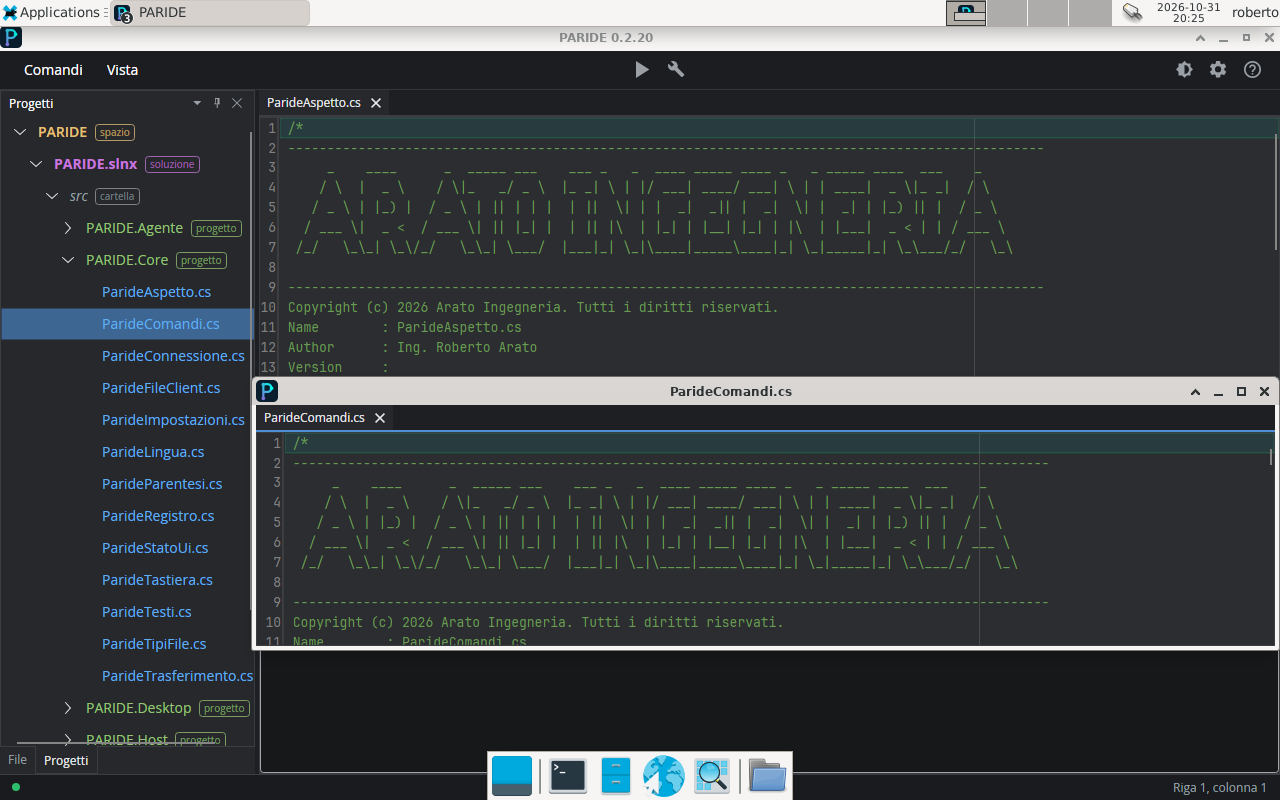
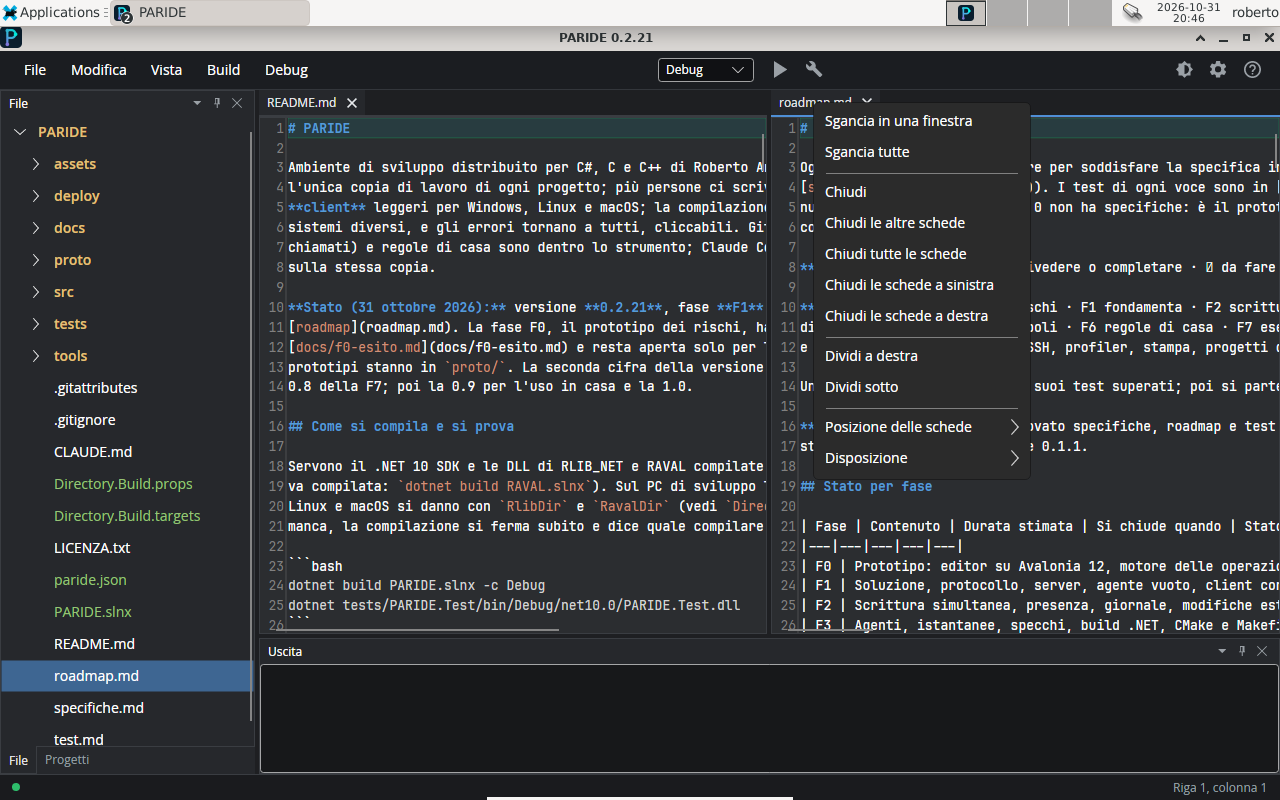
The Projects panel: the solution, its folders and the projects, with a label on every item.The Projects panel in the light theme.The split editor: two groups of tabs side by side.“Split right” from the tab menu.A tab detached into a window of its own, for a second monitor.The tab menu, in Italian.A workspace added on the server appears by itself in the tree of every connected client.
Menus and commands
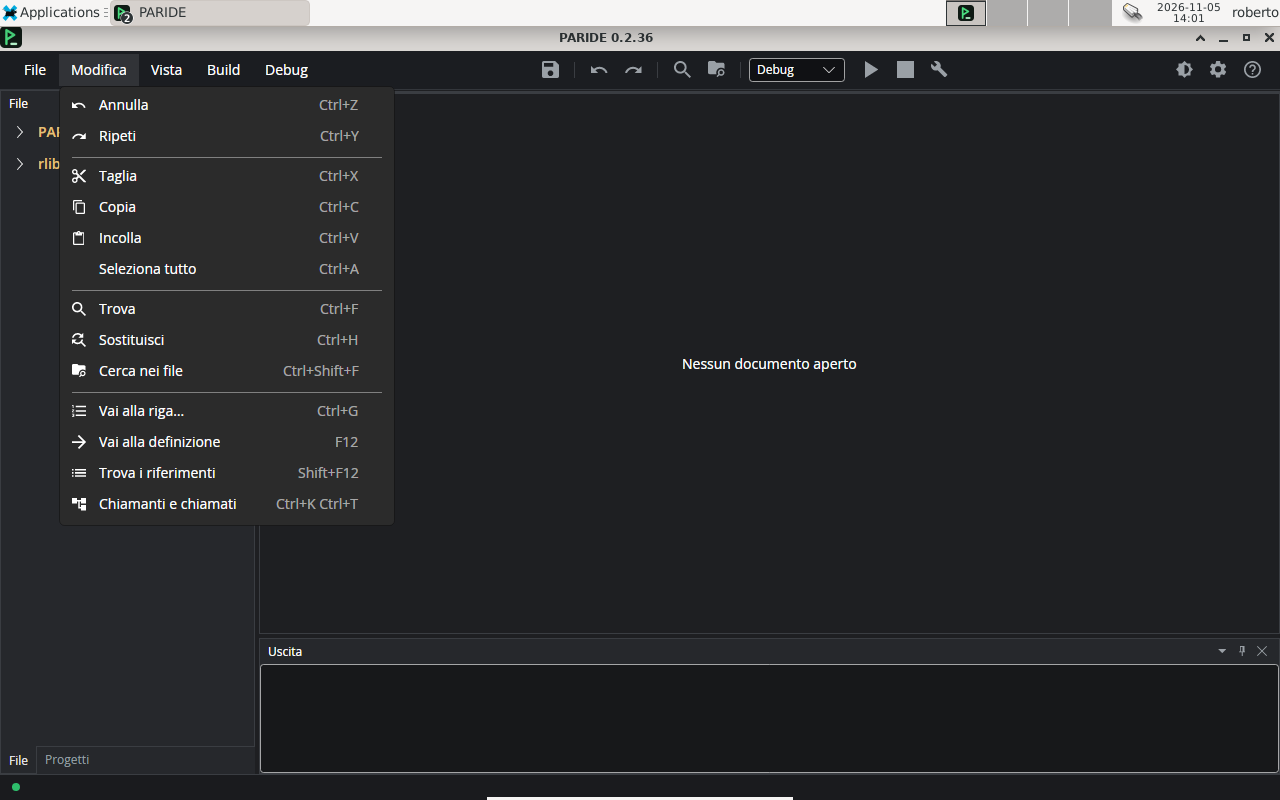
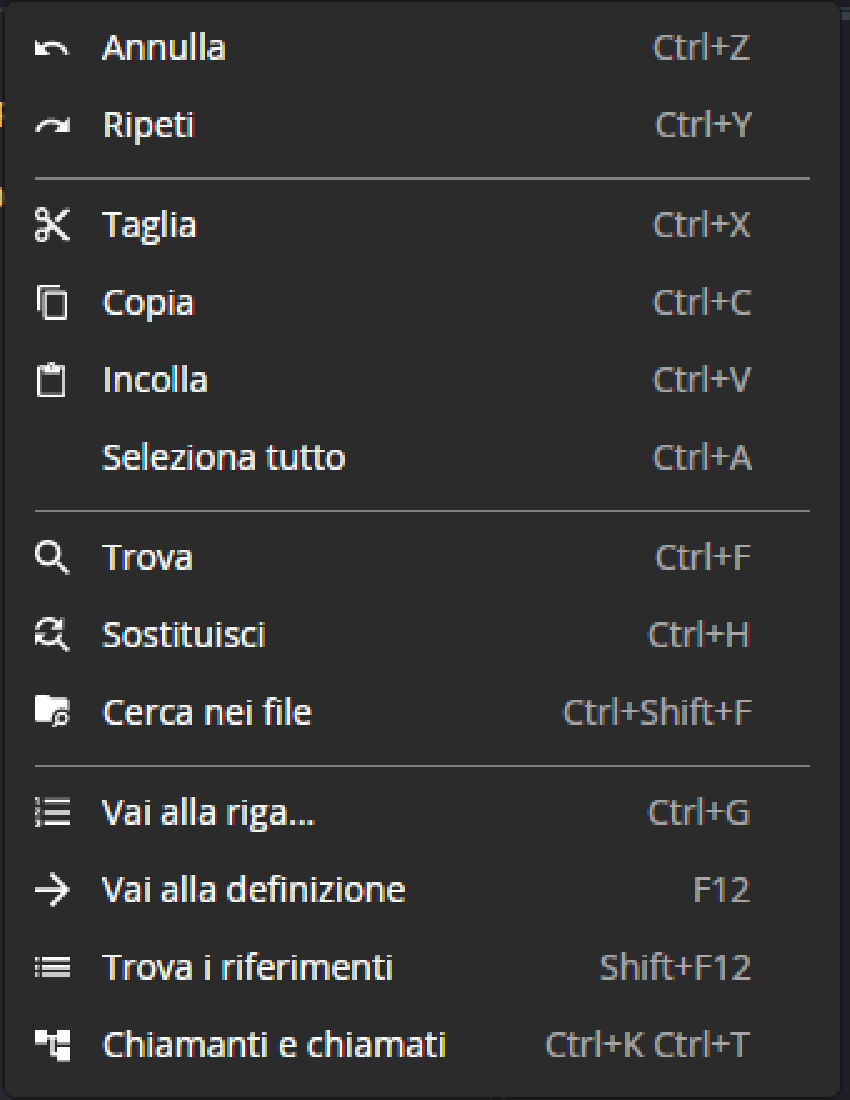
Full screen, with small icons on the common commands.In the menus every command has its icon and the shortcut on the right.The File menu.The Edit menu, with the commands grouped as in Visual Studio.The menu icons enlarged: they stay sharp at every scale.The command bar icons enlarged.
Previews, images and PDFs
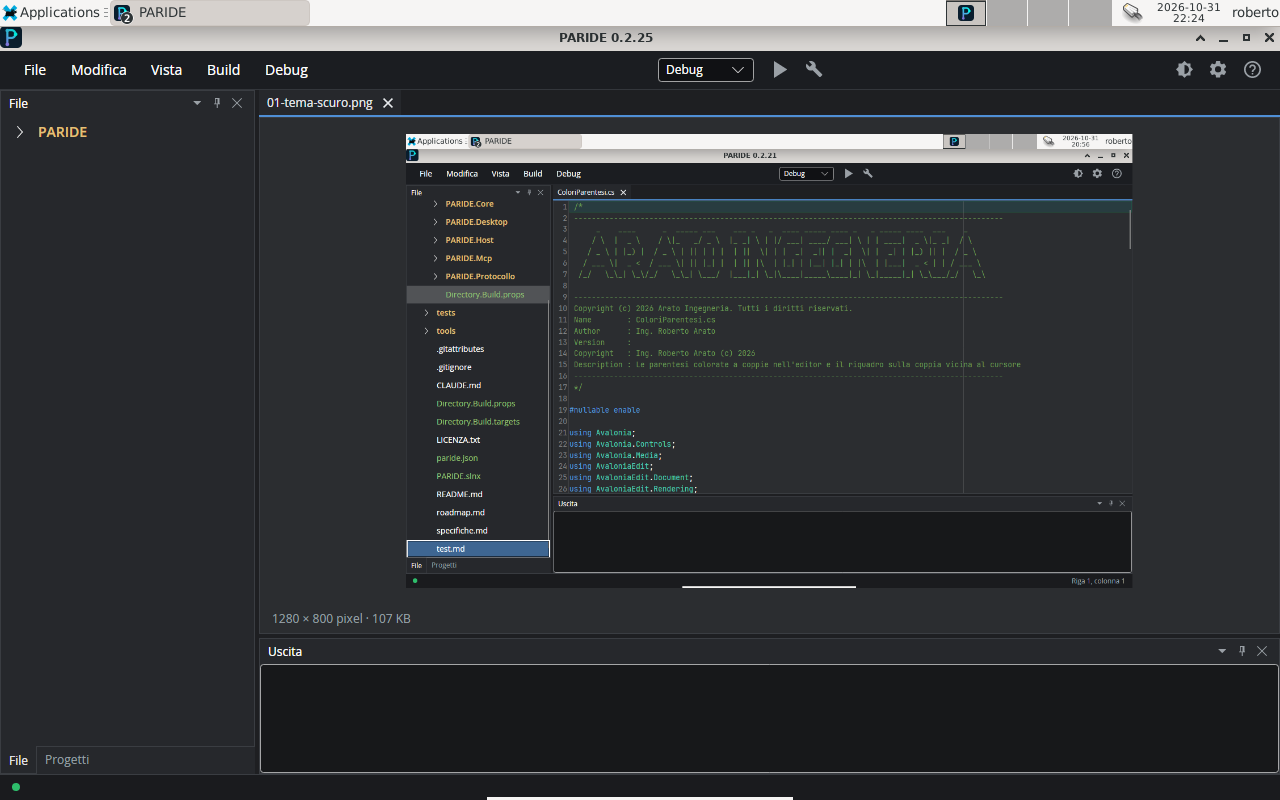
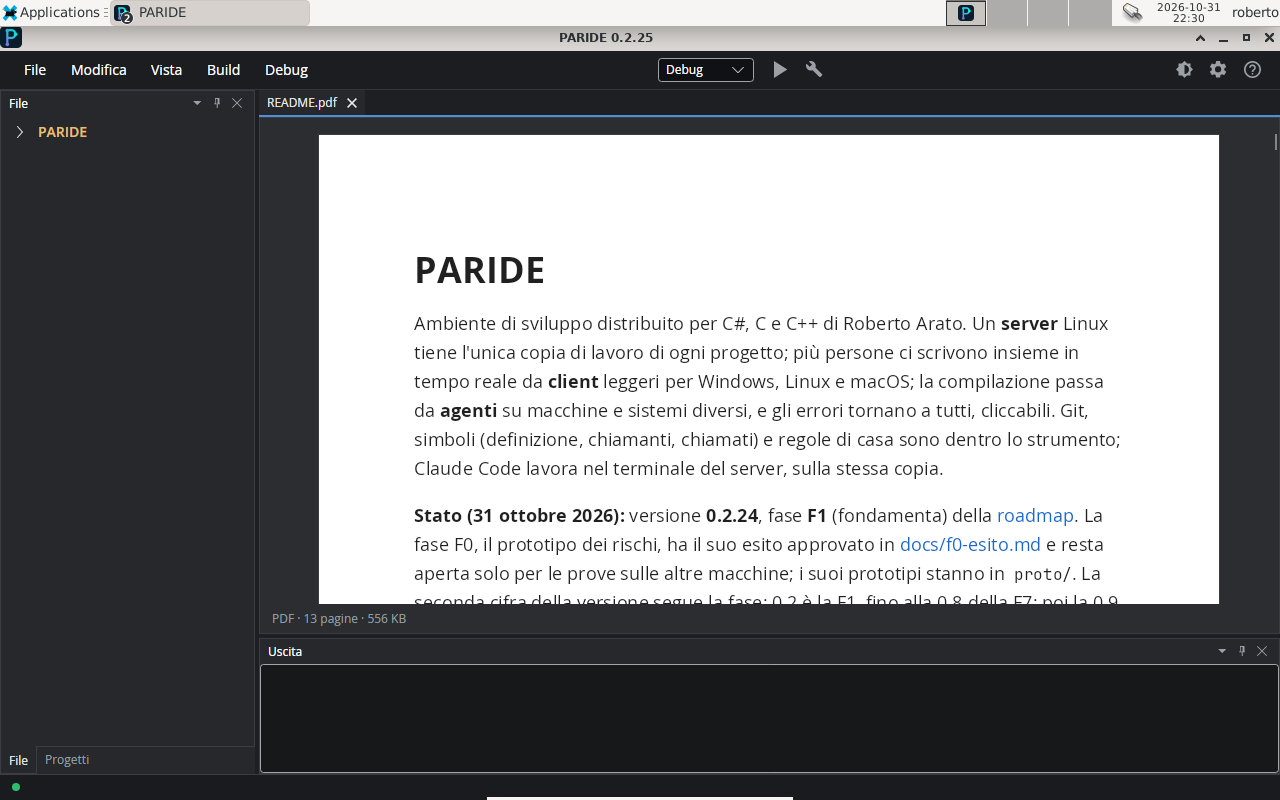
The preview of a Markdown file next to its source, the same on Windows, Linux and macOS.Tables in the preview.The preview images come from the server and appear as soon as they arrive.The PARIDE README exported to PDF: the first page.The second page of the same PDF.An image opened from the tree, with its pixels and size.A PDF opened in a tab: the pages appear one after the other.
Look and themes
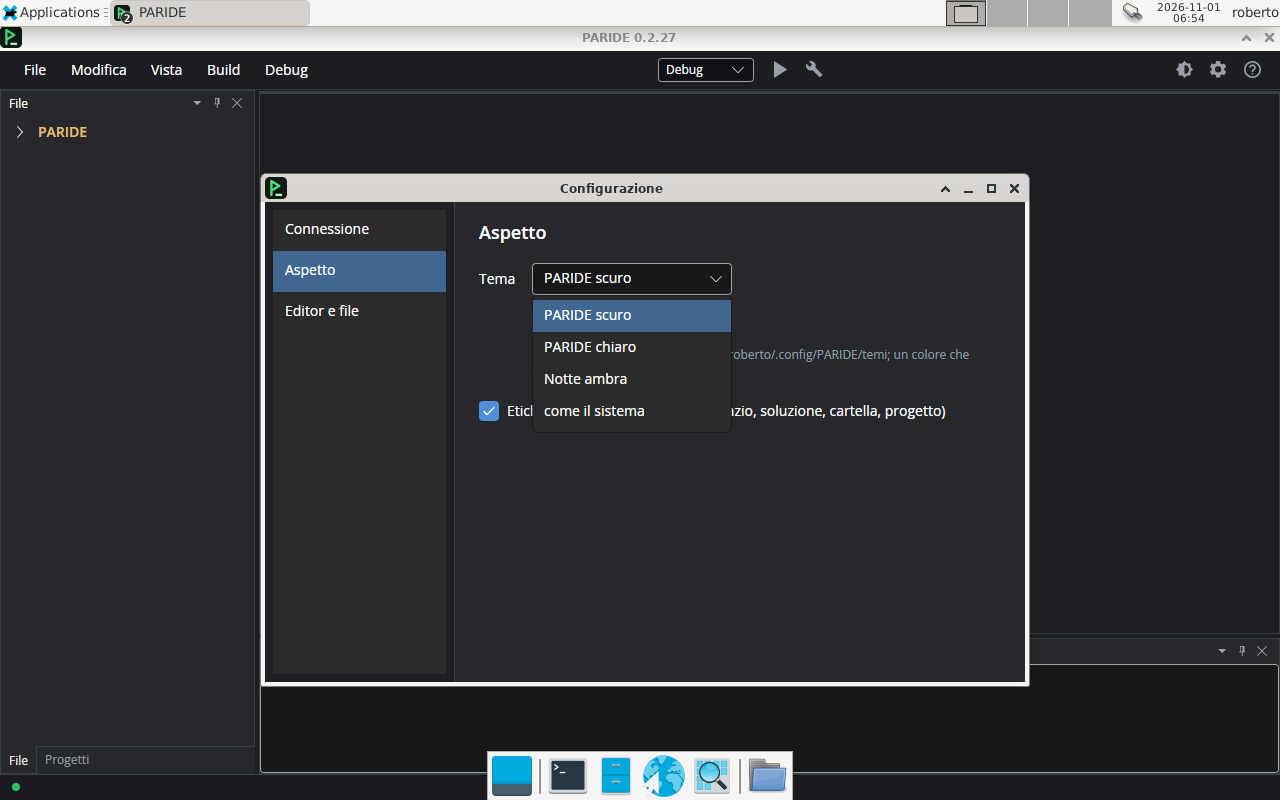
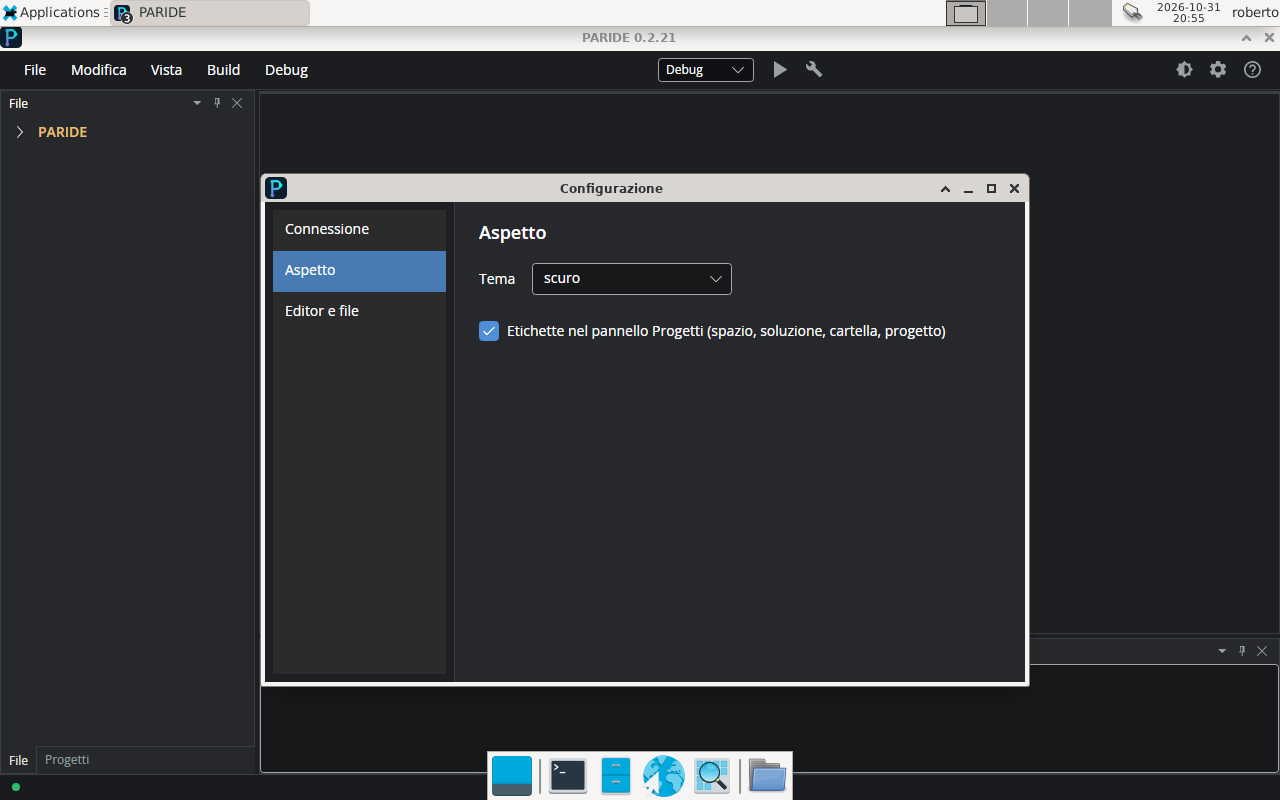
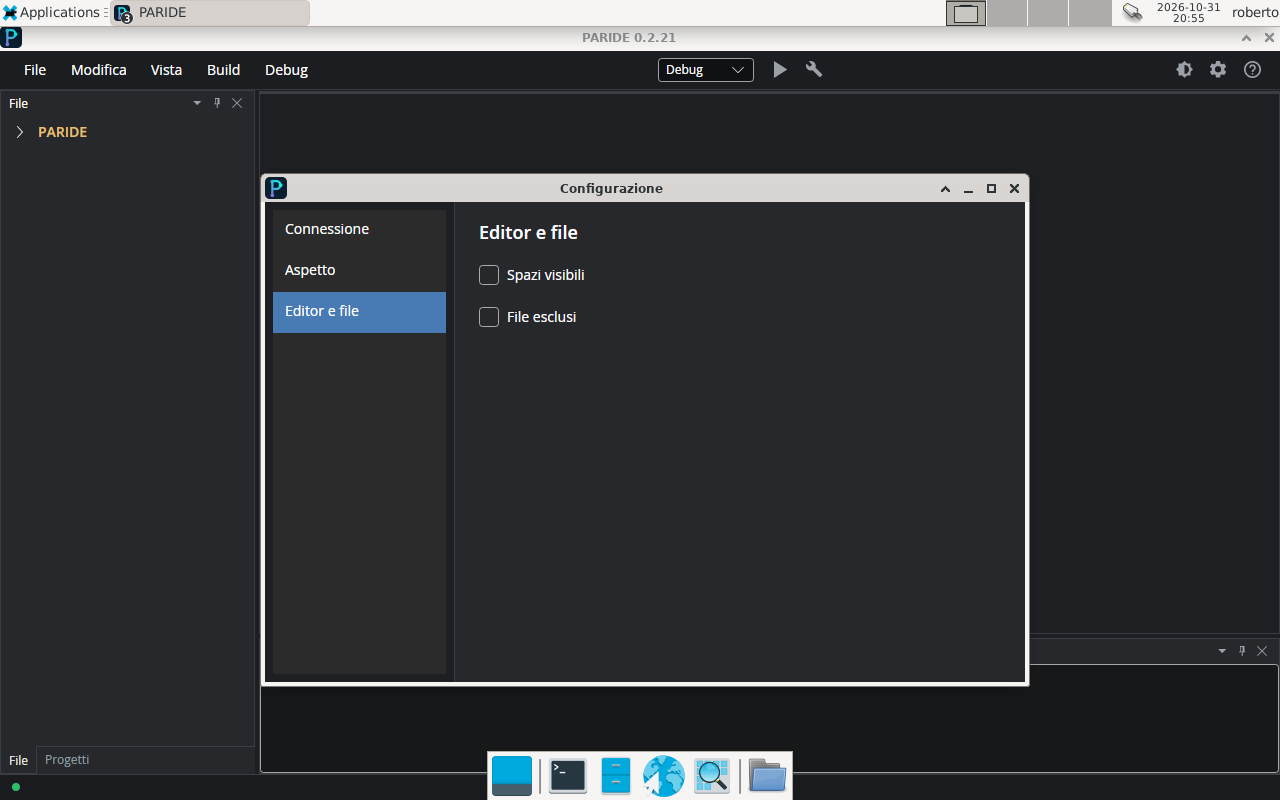
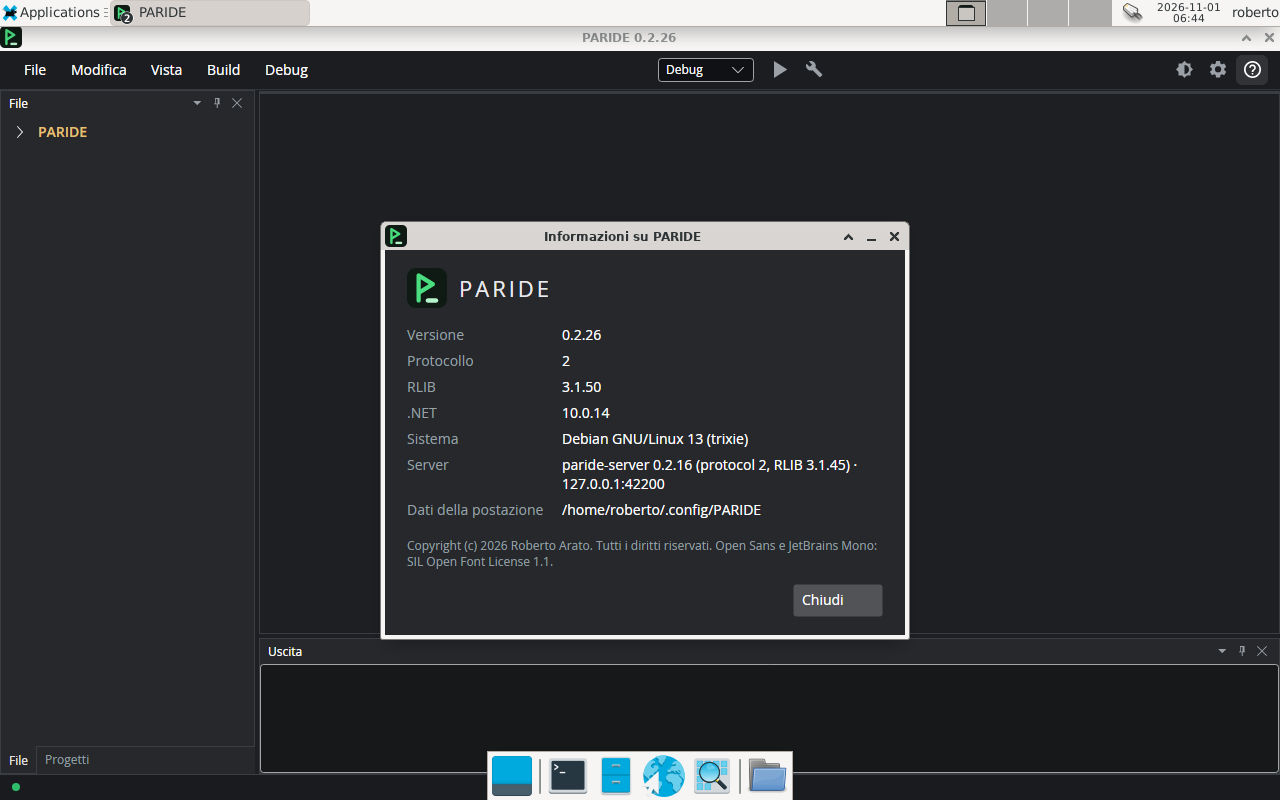
A user theme, written in a JSON file of a few lines.Choosing the theme, and the button that copies it to make your own.The Appearance section of the configuration.The Editor and files section.The About window, with the logo, the PARIDE version and that of the connected server.
Server and configuration
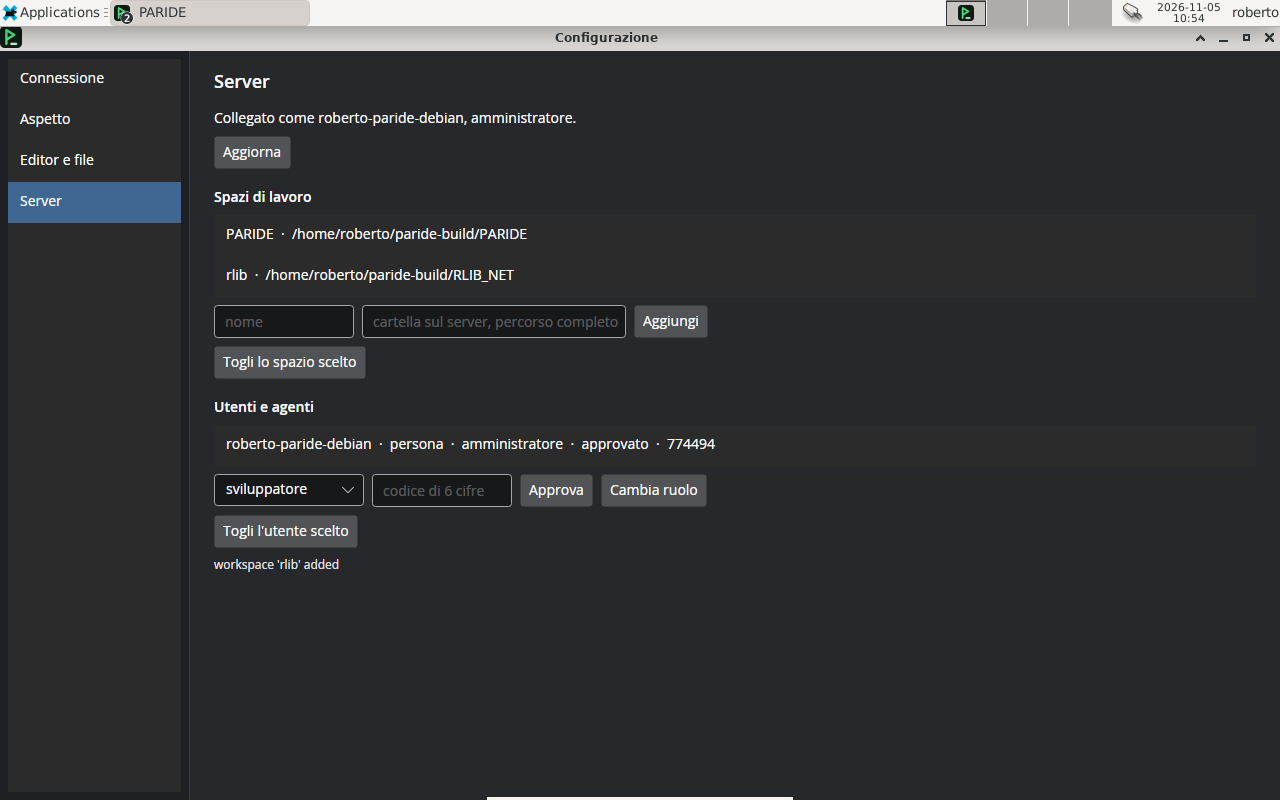
The Server page: workspaces, users and agents, with the administrator's commands.The server configuration from the client: one field per key, with its explanation below.A key changed from the client on the systemd service: “effective now”, or at the next restart of the server.The configuration in sections, with the connection to the server.